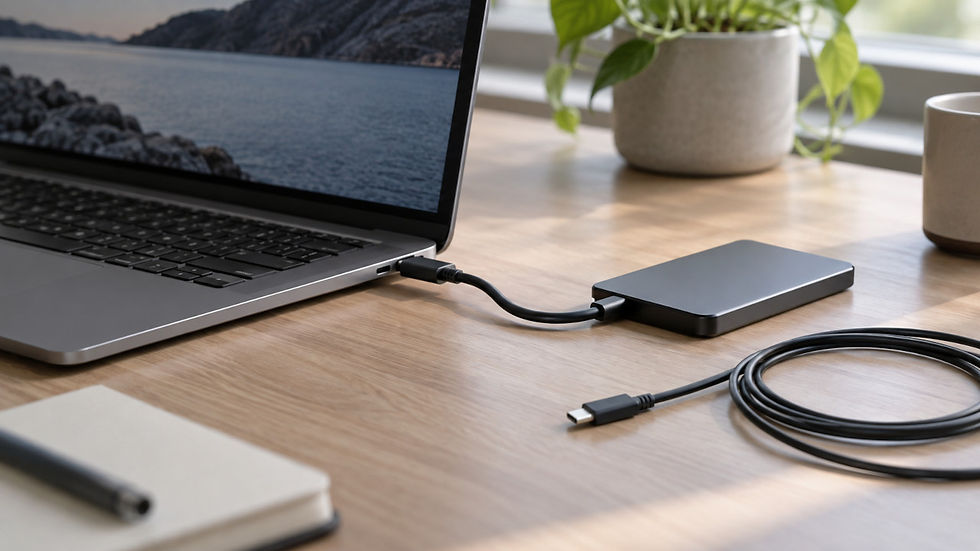


A charger with one port but more devices: how to charge two devices from one charger?
Updated: 2 days ago

A good USB-C charger, such as the Apple 140W, can serve you for years. The only thing that annoys you about it is a single charging port. While it is busy with a laptop, your smartphone has to wait its turn, even though the charger has enough power for both.
Buying a new multi-port charger just for a second port is not always sensible. There is a simpler solution: an active 2-in-1 Y-cable that shares the power of one port between two devices.
When one port is not enough
Here are typical situations where the charger is powerful, but that is not enough for comfort:
Laptop and smartphone at the same time. The laptop needs most of the power, while the smartphone needs only a small share. The charger could “share” it, but there is only one port.
Overnight charging. You do not need high speed at night, but ports are short: you need to charge two smartphones, or a smartphone and a power bank, by morning.
Travel. Your backpack holds more devices than the single charger has ports. You have to queue devices and wonder whether everything will be charged before you pack up.
If your charger is in great condition, there is no reason to replace it. If you really do need a new one, look first among powerful multi-port chargers, and to find your way through the variety and the nuances of choosing a new charger, a separate article on our site will help you.
Why not just any Y-cable will do
Cheap Y-cables are simple: two connectors are wired to a single input connector, and the power lines are shared. When one of the devices asks the charger for a higher voltage, that voltage is applied to all connected devices at once. A device that is not ready for it can fail. We covered this risk in detail in the article "Can a USB cable burn a smartphone?"
Safe Y-cables are built differently. Inside, there is a special module that redistributes energy between the devices and keeps operation safe. That module is what separates a cable you can use from a cable you should avoid.
How the tested cables distribute power
Tinker Vault tested several Y-cables with a power distribution module. Each has its own logic: some follow the device with the higher maximum power, others split power in a fixed proportion. Below are the site's test results.
Anker 2-in-1 140W PD3.1. With two connected devices, the one with the higher maximum power determines the charging mode requested from the charger. The cable supports PD 3.1 and PPS, as well as a number of proprietary protocols.
Cable Matters 2-in-1 140W PD3.1. In a test with a laptop and a smartphone charging at the same time, the laptop got PD50W and the smartphone got PD13W.
Club3D CAC-1527 2-in-1 100W. In a similar test, the laptop switched to PD65W, and the smartphone got PD18W.
CUKTECH No.10 2-in-1 100W PD3.0. An interesting universal device: with a 100W input, the power is split as 70W+30W. The cable can also provide charging protocols that the charger itself lacks (for example, PPS).
CUKTECH 10 Plus 2-in-1 140W PD3.2. The best option among those tested. It fully replaces the original charging source protocols, supporting PD3.2 AVS SPR, PPS, UFCS, and Xiaomi Surge Charge 120W even when powered by PD chargers (such as the Apple 140W), and also works perfectly with lower-power chargers, such as 45W.
These numbers show the main point: such cables are not obliged to split power “equally”. The result depends on the cable, the charger and what exactly is connected.
What happens when you connect a second device
Tinker Vault tests revealed a quirk worth knowing about. With Cable Matters, connecting or disconnecting the second device makes both devices drop out for a fraction of a second. With Club3D, the pause is longer: both devices stop charging for 2-3 seconds.
This is nothing terrible, but keep in mind: if you plug a smartphone into a cable that is already charging a laptop, the laptop briefly loses power. Many multi-port chargers that lack the Reset-free feature behave the same way.
How to choose a cable for your task
All the tested Y-cables are reliable devices from well-known brands. They can act as an ordinary USB cable, passing all the power to one device, while giving you the flexibility to charge a second device when needed. The logic of splitting energy when devices are connected to both ends of the Y-cable differs between them.
Before buying, check the power of your charger: the cable does not create power, it only splits what is available, so using them makes practical sense with powerful chargers.